AI agents
How AI Agents Work: Tools, Memory and the Human Check
An agent is a model, a set of tools, a set of permissions, a memory and a person who checks. Here's each part, explained for an owner, with my own Claude Code setup as the worked example.

Contents
- How do AI agents work? The short version
- How do AI agents use tools?
- Files: where the work and the memory live
- Permissions: what it may do without asking
- Memory: how a forgetful model knows your business
- The human check: where you sit in the loop
- A worked example: one brief through every layer
- What to look for when you choose an agent
The short answer
An AI agent works in a loop. A language model reads the goal and decides the next step, a layer around it called the harness runs that step with a tool (read a file, search, run a command), the result goes back to the model, and it repeats. Permissions limit what it may do, files give it memory, and you check anything important.
Most explanations of how AI agents work are either a diagram with fifteen boxes labelled "orchestrator" or a single sentence saying the AI "takes actions for you". Neither helps you decide whether to trust one with your business.
I'm Thomas Scott, and I've run four small businesses with an agent since 16 August 2026. It's called Harris, my AI operator: Claude Code on one Windows PC, plus a folder of plain notes and a written set of rules. I'm not a developer. Everything I know about how agents work, I learned by watching mine do the job, and by fixing what broke. If you're new to the idea, start with what an AI agent is; for the tool itself, the full guide is Claude Code for business owners.
An agent has five working parts: the model, its tools, its permissions, its memory, and you. Here's each one, and what it looks like in a real setup.
How do AI agents work? The short version
There are two halves. A model that reasons, and a layer of software around it that lets that reasoning touch the world. Anthropic's documentation for Claude Code says it in exactly those terms: "The agentic loop is powered by two components: models that reason and tools that act. Claude Code is the layer around the model that provides the tools and manages the context the model sees." That surrounding layer, it says, is what the term agentic harness refers to (How Claude Code works).
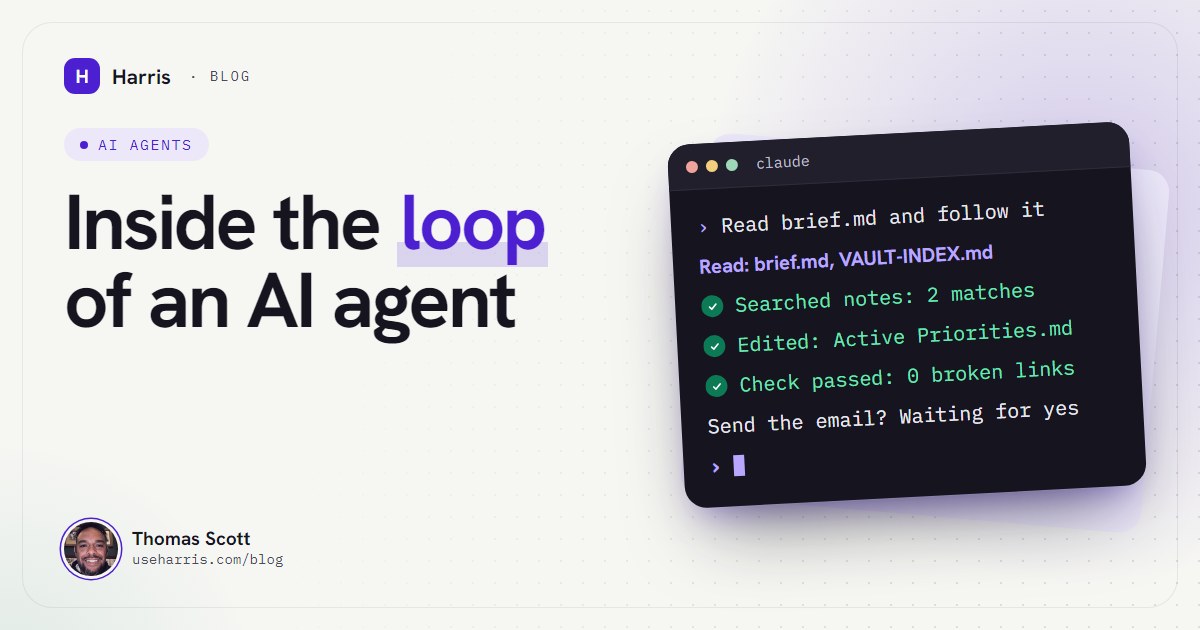
The model never touches your files itself. It writes, in effect, "I'd like to read this file". The harness reads it and puts the contents in front of the model. The model decides the next step. That's the loop, and Claude Code describes it as three phases that blend together: gather context, take action, verify results.
How do AI agents use tools?
Tools are the verbs. Without them, as Anthropic puts it, "Claude can only respond with text." With them, it can read your files, edit them, run commands, search the web and talk to other services. Claude Code groups its built-in tools into five kinds: file operations, search, execution (running commands), web, and code intelligence.
The important bit is what happens after each tool runs. The result goes straight back into the model's view, and it decides what to do next based on what actually came back. Anthropic's own example is fixing failing tests: run the tests, read the errors, find the files, read them, edit them, run the tests again. The last step is the agent checking its own work.
In my business the steps are different but the shape is the same. "Who's waiting on a reply from us?" becomes: read the priorities note, open each client note, search the mailbox, compare, report. Five or six tool calls, each one deciding the next.
Beyond the built-in tools, you can connect an agent to other services. Claude Code does this with MCP, a standard way of plugging in outside tools like a mailbox or a calendar. Each connection adds verbs. It also adds risk, which is why I connect fewer than I could: Harris reads one of my mailboxes through a read-only connection, so it can search and report but has no way to send from it.
TipThe fastest way to understand an agent is to watch its tool calls. Claude Code shows each one as it runs. For the first week, read every line. You'll learn more about how it thinks from what it opens than from anything it says.
Files: where the work and the memory live
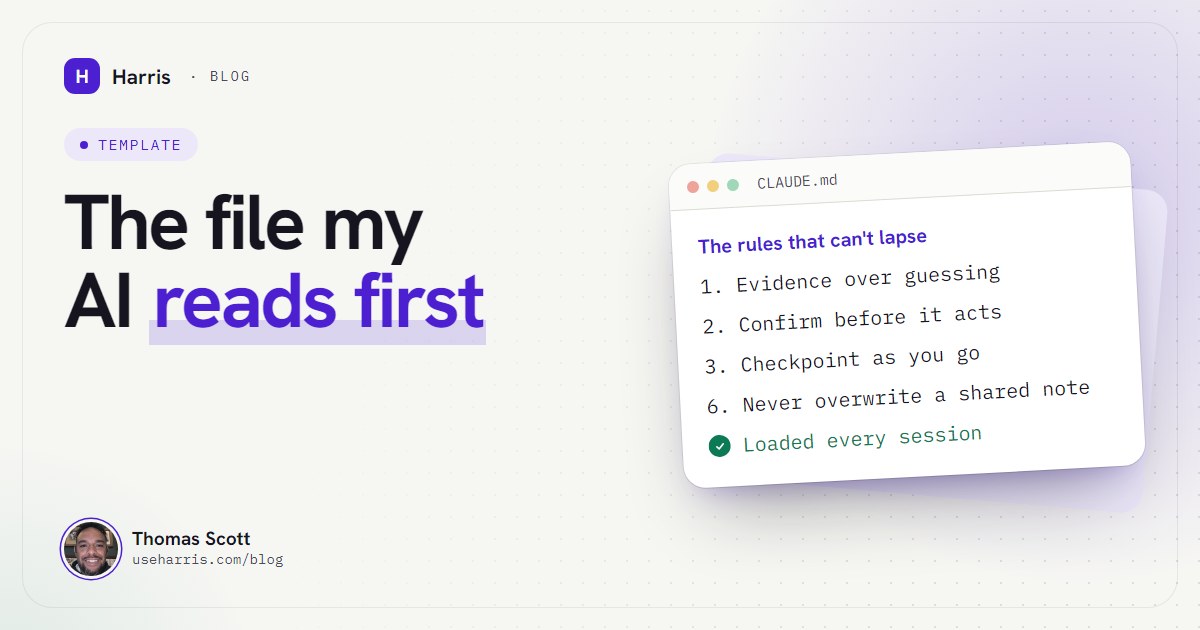
When you start Claude Code in a folder, it can see that folder and everything inside it, plus files elsewhere if you give it permission. It also loads the CLAUDE.md instruction files in that folder and the folders above it.
That makes the folder you start from one of the most important decisions in the whole setup. Mine runs from one folder that sits just above the vault of notes, every session, without exception. Start it anywhere else and it has none of my rules and can't see the business.
Files matter for a second reason. They're the only thing that survives. The model forgets everything when a session ends; what's on disk is still there tomorrow. So in a good agent setup, files are both the work (the drafts, the reports, the spreadsheets) and the memory (the notes about what's true). I'll come back to memory below.
One Windows-specific lesson: long instructions go in a file, not the terminal. On my first day, Windows quietly cut off a long pasted prompt, and the agent worked from half a brief without knowing. Now anything longer than a couple of lines is written to a file first, and I type one line: "Read brief.md and follow it."
Permissions: what it may do without asking
This is the part to understand before you give any agent access to your business. Claude Code has a tiered permission system, and the default is sensible.
| Kind of action | Asks you first? (in Manual mode) |
|---|---|
| Reading files in the working folder | No |
| Running a command | Yes, except a built-in set of read-only ones |
| Editing or creating a file | Yes |
| Fetching a web page | Yes, except some documentation sites |
| Searching the web | Yes |
On top of that you pick a mode (permissions docs). Manual asks before edits and commands. Accept edits lets it edit files without asking but still asks for other commands. Plan only explores and proposes, without editing. Auto, which recent versions start in, has a classifier review each action in the background and block the risky ones instead of asking you. You can also write rules for particular actions, and they're checked in a fixed order: deny first, then ask, then allow. A deny rule always wins.
Two more facts worth knowing. Before it edits a file, Claude Code keeps a copy, so you can rewind its file changes. But actions that reach outside, like a database, an email or a deployment, can't be undone that way; those are controlled only by permissions. And on native Windows, Claude Code runs commands without a sandbox (sandboxing docs). It acts with your Windows permissions. That's why I run it on a PC and account I control, never a shared login.
My own rules sit on top of Claude Code's, and each one came from something going wrong:
- Double-confirm anything with real-world effect. Emails, posts, deploys, spending money: Harris states the exact change in plain language and waits for my yes. Editing notes doesn't need it.
- Open scripts in an editor, never with a command that runs them. A session once "opened" a script on Windows with a command that executes it, and a deploy of one of my own systems ran when nobody meant it to. The rule was written the same day.
- Only stop your own processes. A session once tidied up by stopping programs that matched a name, and some of them belonged to another session running alongside it.
- Start in Manual or Plan mode for the first week, so you see every step.
- Move routine jobs to looser modes only once you've watched them run cleanly.
- Write deny rules for anything you never want done, rather than hoping it won't come up.
- Keep anything irreversible behind your yes, whatever the mode.
Memory: how a forgetful model knows your business
Every Claude Code session starts with a blank slate. The documentation is blunt: "Each new session starts with a fresh context window, without the conversation history from previous sessions." Two things carry over, both files: CLAUDE.md, which you write, and auto memory, notes Claude writes for itself as you correct it. Claude Code loads both at the start of every session, though only the first 200 lines or 25KB of the auto memory index (memory docs).
For a business that's not enough on its own, so Harris's boot file points at a vault of notes and tells it what to read first.
Loaded before the first message:
CLAUDE.md           identity, rules, startup (95 lines)
MEMORY.md           one line per lesson learned
Startup sequence
✓ Read VAULT-INDEX.md       the map
✓ Read yesterday's daily note
✓ Scanned Active Priorities.md
Online. What's the highest-leverage thing today?
The design principle is simple: hold only the current job in the agent's head, and load everything else from files when it's needed. The full method is in how to give Claude persistent memory, and a trimmed boot file to start from is in the CLAUDE.md template for business. Why this beats keeping everything in one long conversation is the subject of the context window, explained.
The human check: where you sit in the loop
The last part is you, and it's not a formality. Anthropic's guide to agents says they "can then pause for human feedback at checkpoints or when encountering blockers" (Building effective agents). In Claude Code you can also step in at any moment: press Esc to stop it, or type a correction while it works and it reads it before its next step.
In my setup the human check has three jobs:
- The yes on anything external. Covered above. It's the one rule I'd never relax.
- Decisions on money, contracts and relationships. The agent brings me the decision with the evidence. It doesn't make it.
- Reading what it says it checked. Harris isn't allowed to say "fixed" unless it verified the fix where the problem happened. Otherwise the report says "should fix it, pending live verification". That one wording rule has saved me from believing more than one confident report.
A worked example: one brief through every layer
Here's how the parts fit together on a real job: a new blog post like this one.
- The goal arrives as a file. I write a short brief: the topic, who it's for, the rules. Harris reads it, then the writing guide it points to.
- Tools gather context. It reads the existing posts for voice, searches the notes for what really happened, and fetches Anthropic's documentation live, because every claim about Claude has to be checked on the day, not remembered.
- Memory keeps it honest. The redaction rules in the vault stop client names and figures leaking into a public page.
- Permissions limit the blast radius. It works on its own copy of the site, on its own branch. It can build and test the site, but publishing is mine.
- It checks its own work. The build fails loudly on a broken internal link or a missing field, so the agent runs it and fixes whatever it reports before telling me it's done.
- The human check. I read it and decide whether it goes live.
Big jobs get split further: Harris hands independent pieces to subagents, separate helpers that each work in their own fresh context and send back a short summary. That keeps the main session's working memory clear, which matters more than most people realise.
What to look for when you choose an agent
You don't need to understand the engineering to judge an agent. Ask five questions, one per part:
- The model: which one, and can I switch it?
- Tools: what can it actually touch, and can I see each action as it happens?
- Permissions: what does it do without asking, and can I write rules that always block something?
- Memory: where does what it knows live, and can I read and edit all of it?
- The human check: does it stop before anything irreversible, and does it tell me what it checked?
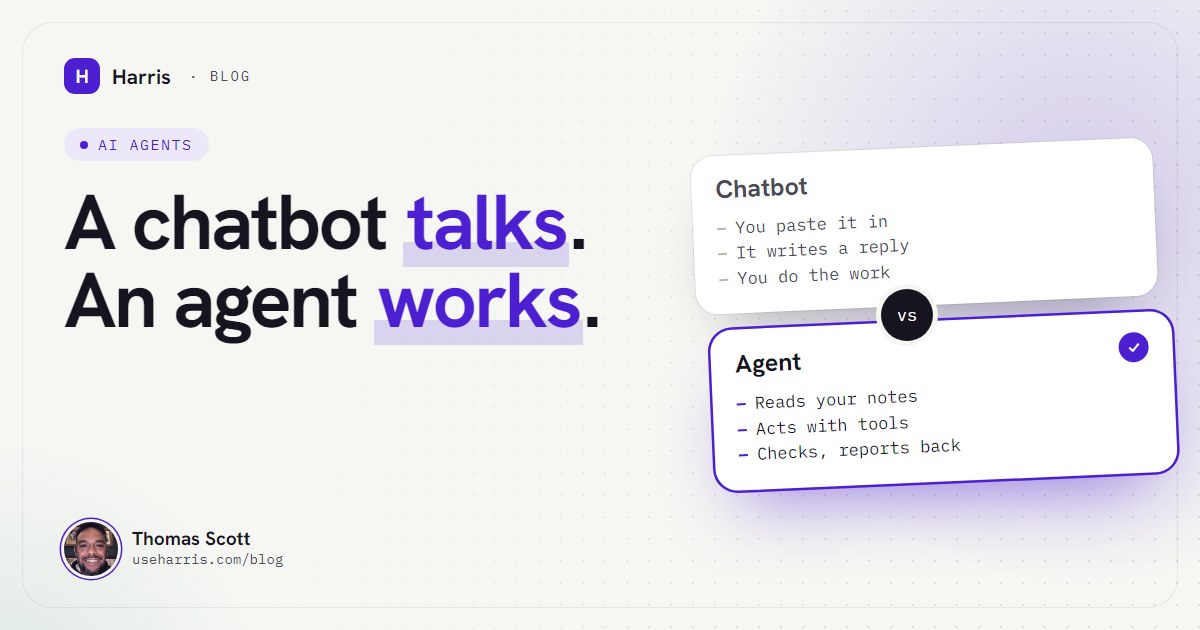
If the answers are vague, you're looking at a chatbot with a nicer name. If they're specific, it's worth an afternoon. How the five parts come together in one owner's setup is the subject of my guide to Claude Code for business. The reasons I chose Claude Code over the gentler desktop option are in Claude Cowork vs Claude Code.
Questions people ask
How do AI agents use tools?
The model can't touch anything itself, so it asks for a tool by name, such as read this file or run this command. The software around it runs the tool, hands back the result, and the model decides its next step from what came back.
How do AI agents work in Claude?
In Claude Code, a Claude model does the reasoning and Claude Code provides the tools and manages what the model sees. It works through three phases, gathering context, taking action and verifying results, and repeats them until the job is done.
Can an AI agent do things without asking me?
Only what its permissions allow. Claude Code lets you choose a mode: it can ask before every edit and command, let a classifier block risky actions, or only plan without editing. You can also write rules that always ask or always deny certain actions.
How does an AI agent remember things between sessions?
It doesn't, unless the memory is written down. Claude Code starts each session fresh and loads its instruction files and its own memory notes at startup, so anything worth keeping has to live in files it reads.