Memory
Context Window Explained: Why Long AI Chats Go Wrong
The context window is the AI's working memory, and it's the reason a two-hour chat gets worse as it goes. Here's what fills it, what happens when it's full, and the setup I use so it never matters.

Contents
- What is a context window?
- What fills the context window?
- Why do long AI chats go wrong?
- What happens when Claude's context window is full?
- Is a bigger context window the answer?
- Why persistent memory beats one long chat
- How do I manage the context window day to day?
- The context window in one sentence
The short answer
A context window is everything an AI model can see at once while it answers: your messages, its replies, any files and its instructions. It's measured in tokens and it's finite. As a chat grows, recall gets worse, and when it fills, older parts are summarised and detail is lost. Notes in files avoid both problems.
You give the AI a careful brief at nine in the morning. By eleven it's drifting: using the old price, forgetting the client hates long emails, asking about something you settled an hour ago. You haven't done anything wrong. You've filled its context window.
I'm Thomas Scott. I run four small businesses with Harris, my AI operator, which is Claude Code plus a folder of plain notes on one Windows PC. Working out what the context window is, and designing around it, is the main reason Harris still knows the business at the end of a long day. This post is the explanation I wish I'd had in week one. If you're new to the tool itself, the full guide is Claude Code for business owners, and the fix in full is how to give Claude persistent memory.
The short version: the context window is a desk, not a filing cabinet. Long chats go wrong because the desk gets cluttered. Files are the cabinet.
What is a context window?
Anthropic's definition is the clearest one I've found: the context window "refers to all the text a language model can reference when generating a response, including the response itself." It's separate from everything the model learned in training, and Anthropic describes it as "a 'working memory' for the model" (Context windows).
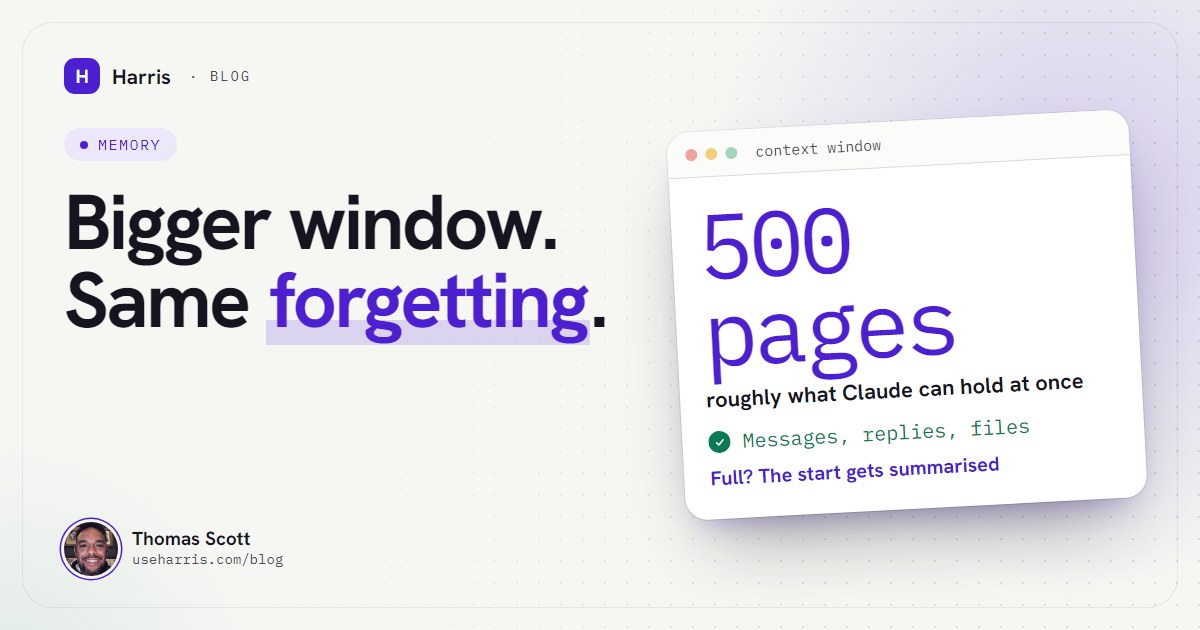
It's measured in tokens: chunks of text, usually a word or part of a word. At the time of writing (October 2026), Anthropic's help centre gives the Claude apps on paid plans a 200K-token window for most models, which it describes as "about 500 pages of text or more", with larger windows for some newer models (Claude Help Centre). Several current models support up to a million tokens through Claude Code and the API.
Five hundred pages sounds like plenty. It isn't, for two reasons. A working session fills it faster than you'd think, and more doesn't mean better.
What fills the context window?
Not just your messages. Everything counts: your messages, the AI's replies, every file it reads, every result it gets back from a tool, and the instructions it's given before you type anything. In Claude Code, the context window "holds your conversation history, file contents, command outputs, CLAUDE.md, auto memory, loaded skills, and system instructions" (How Claude Code works).
This is why agents fill their windows faster than chats do. When Harris checks what's overdue, it reads the priorities note, three client notes and a page of search results, and every one of those lands in the window. Claude Code's own walkthrough shows that before you type anything, "CLAUDE.md, auto memory, MCP tool names, and skill descriptions all load into context" (Explore the context window). In Claude Code you can see the breakdown at any moment by typing /context.
Why do long AI chats go wrong?
Three separate things happen, and they need different fixes.
1. Recall gets worse as the window fills
This is the one almost nobody explains. Anthropic is direct about it: "more context isn't automatically better. As token count grows, accuracy and recall degrade, a phenomenon known as context rot." Its engineering team describes models as having an "attention budget" that they draw on as they read (Effective context engineering for AI agents). The brief you gave at nine is still technically there at eleven. It's just competing with two hours of everything else.
2. When it's full, the start gets summarised
When a conversation nears the limit, the AI summarises the earlier part to make room. Claude Code does this automatically, and its documentation warns that the summary "keeps your requests and key code snippets, but detailed instructions from early in the conversation may be lost." The Claude apps do something similar on paid plans with code execution turned on: "Claude summarizes earlier messages to make room for new content", and Anthropic notes that longer conversations that trigger this "use more of your usage limit."
So the chat carries on, but what it knows about your morning brief is now a paraphrase. I've covered this side of it, and the "new chat starts empty" problem, in why Claude forgets everything.
3. Unrelated jobs crowd each other out
The one-long-chat habit. You draft a proposal, then ask about a supplier, then fix a spreadsheet, all in the same conversation. Claude Code's documentation says it plainly in its advice to clear between tasks: "Old conversation crowds out the files you need next and costs tokens on every message." Every new question is answered with the proposal and the supplier still on the desk.
What happens when Claude's context window is full?
In Claude Code, a full window doesn't end your session: it compacts and carries on. What's interesting for a business owner is what comes back afterwards, because it tells you exactly where to put things you can't afford to lose.
| After compaction | What happens |
|---|---|
The main CLAUDE.md in the folder you started from |
Re-read from disk, in full |
| Auto memory | Re-read from disk |
| Files it was working on | Up to five re-read, most recently changed first |
| Instructions you only typed in the chat | Summarised with everything else |
That table, from Claude Code's context window guide, is the whole argument of this post in four rows. Anything written in a file the agent loads comes back intact. Anything you only said in the conversation is at the mercy of the summary.
It's why my boot file carries this line: re-read the vault map after any context compaction. The boot file survives compaction because Claude Code re-reads it; the map is a separate note, so the rule tells Harris to fetch it again. You can also steer the summary yourself with something like /compact keep the pricing decisions.
Is a bigger context window the answer?
It's the obvious question, and the honest answer is no, not by itself. A million tokens lets a session run longer before it compacts. It doesn't stop context rot, and it doesn't help tomorrow: every new Claude Code session, in the words of its memory documentation, "begins with a fresh context window", however big the last one was.
Anthropic's own advice points the other way: curating what's in the window is "just as important as how much space is available." The engineering team calls context "a finite resource with diminishing marginal returns." In other words, the skill isn't fitting more on the desk. It's keeping the desk clear.
Why persistent memory beats one long chat
Here's the part I find reassuring. When Anthropic's engineers describe how to build agents that work over long periods, they name techniques that any owner can use with plain files. Agents can keep "lightweight identifiers (file paths, stored queries, web links, etc.)" and load the actual data only when needed. And they can use "structured note-taking", where "the agent regularly writes notes persisted to memory outside of the context window."
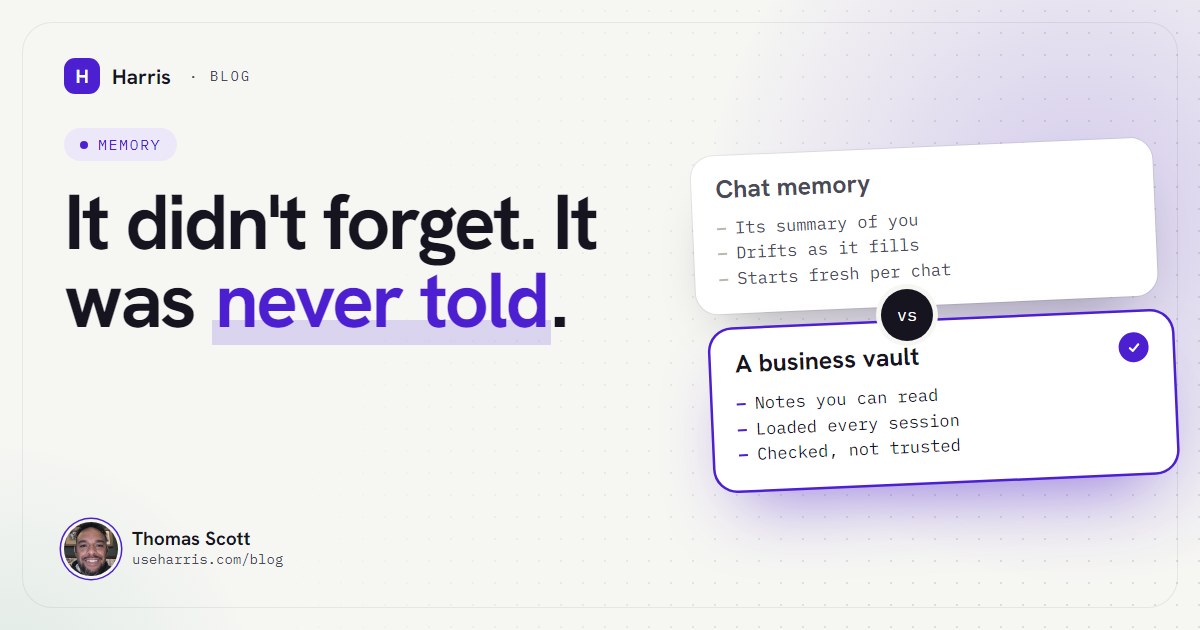
That's a vault of notes. Here's how the two approaches compare in my experience:
| One long chat | Files the agent reads | |
|---|---|---|
| Where the facts live | Somewhere in the scroll | One note per client, project, decision |
| After a few hours | Recall drifts, start gets summarised | The note is re-read whenever it's needed |
| Tomorrow | Gone, or a model-written summary | Exactly as you left it |
| Can you check it? | Scroll and hope | Open the file |
| Cost to the window | Everything, all the time | Only what today's job needs |
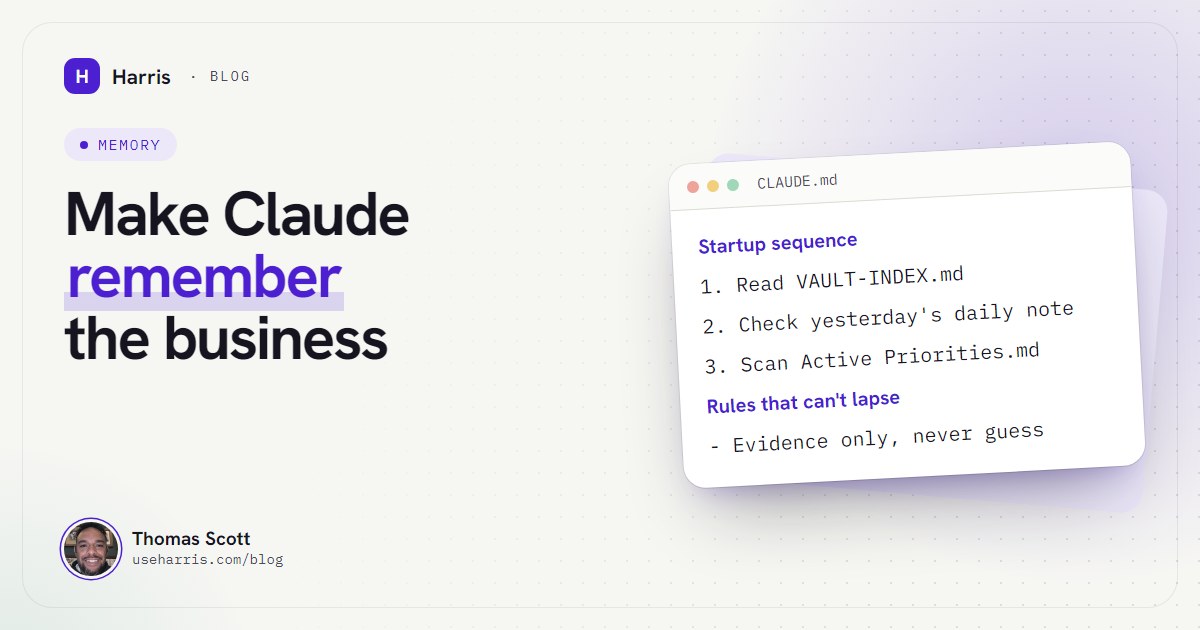
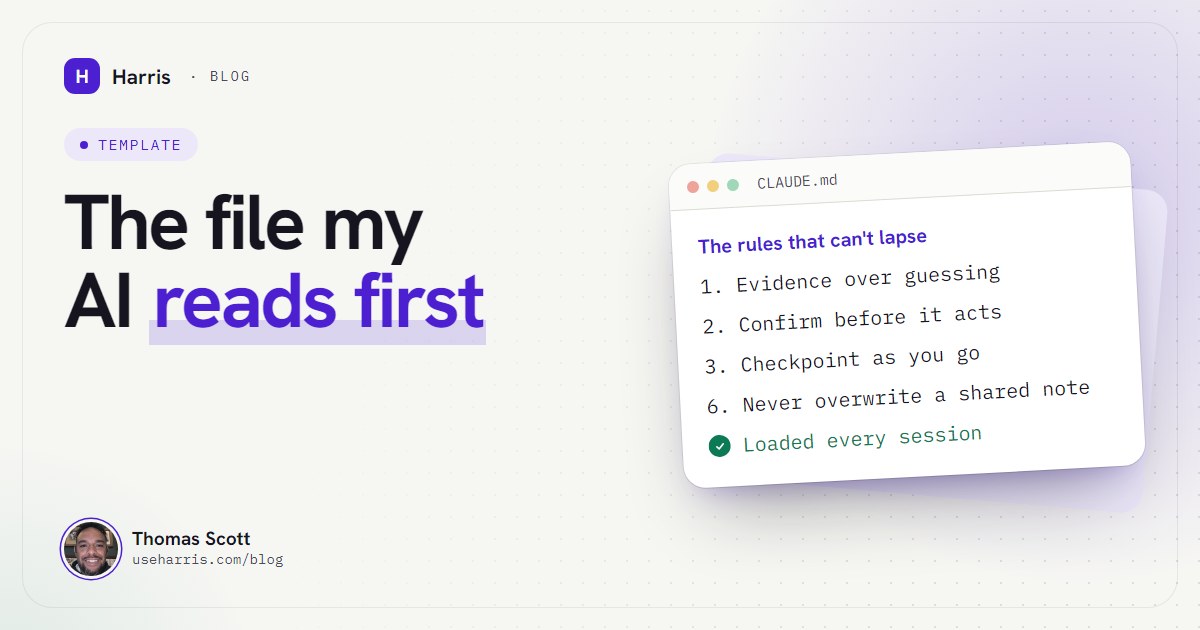
In my setup this works in three layers. A short boot file, CLAUDE.md, loads every session and survives compaction. A map, VAULT-INDEX.md, lists every folder and key note in a line each: those are the lightweight identifiers. And the notes themselves are opened only when a job needs them. The habit that makes it work is the checkpoint: whenever something changes, Harris writes it to the right note before moving on, so nothing important lives only in the chat. The folder structure is in Obsidian and Claude Code as a business brain, and a boot file to adapt is in the CLAUDE.md template for business.
How do I manage the context window day to day?
These are the habits I use, in roughly the order they matter.
- One job per session. Start fresh, or type
/clearin Claude Code, when you switch to unrelated work. - Put lasting instructions in a file, not a message. If it must hold all day, it goes in
CLAUDE.mdor a brief the agent reads. - Write long briefs to a file. It keeps the brief exact, and on Windows it avoids pasted prompts being silently cut off, which happened to me on day one.
- Check the load.
/contextshows what's taking up space. If a single huge file is in there, ask whether the job needed all of it. - Send big reading jobs to a subagent. Claude Code's subagents work in their own context window and hand back a summary, so the bulk stays off your desk. Harris splits large builds this way: briefs on file, short reports back.
- Compact on purpose. Before a long new task,
/compactwith a focus keeps what you choose rather than what the automatic pass guesses. - Write back before you close. Decisions go into the right note. Tomorrow's session reads the note, not the chat.
If you use the Claude app rather than Claude Code, the same ideas apply in simpler form: keep chats to one topic, and when one gets long, ask for a written summary of the decisions, save it, and start a new chat with it.
The context window in one sentence
It's the AI's desk: big, but finite, cleared every night, and harder to read the more you pile on it. Don't try to make the desk bigger. Keep the business in files, load what today's job needs, and write back what changed. That's the difference between an AI that's sharp for the first hour and an agent that still knows your business in month three. If you want the bigger picture of how that agent fits together, read how AI agents work and what an AI agent actually is.
Questions people ask
What is a context window in AI?
It's the AI's working memory for one conversation: all the text the model can refer to while it writes a reply, including its own reply. It's separate from what the model learned in training, and it empties when you start a new chat.
How big is Claude's context window?
At the time of writing, Anthropic's help centre gives 200K tokens for most models on paid plans, about 500 pages of text, with larger windows for some newer models. Several current models support up to a million tokens.
What happens when Claude's context window is full?
Claude summarises the earlier part of the conversation to make room and carries on. Claude Code does this automatically as it nears the limit. Your recent work stays, but detailed instructions from early in the conversation can be lost in the summary.
Does a bigger context window mean better memory?
Not really. Anthropic notes that as the amount of text grows, the model's accuracy and recall degrade. A bigger window lets a chat run longer, but what's in it still needs curating, and it still starts empty next session.