Cowork vs Code
Claude Cowork vs Claude Code: Which Should an Owner Use?
Every comparison I've read ends with "owners should use Cowork". Often that's right. Here's the honest exception, from someone who runs four small businesses in Claude Code on one Windows PC.

Contents
- What is the difference between Claude Cowork and Claude Code?
- Cowork vs Claude Code at a glance
- Is Claude Cowork available on Windows?
- Which one remembers your business?
- Which one can run automations while you're away?
- Do Cowork and Claude Code share the same usage limits?
- The verdict for each kind of owner
- Can you use both?
The short answer
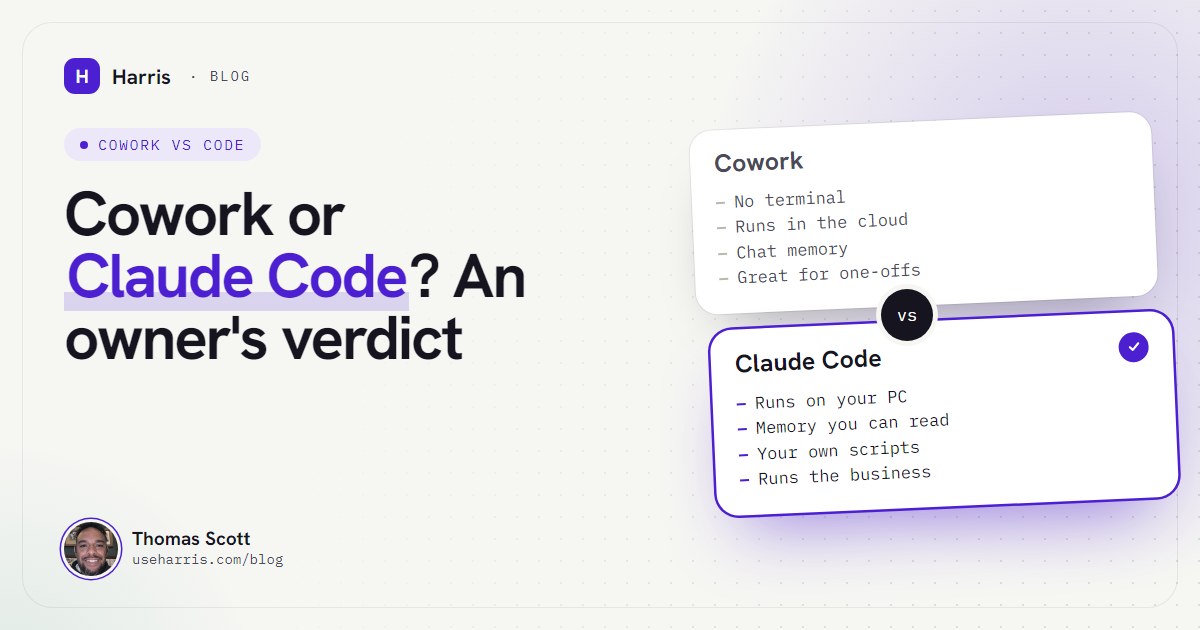
Cowork is Claude's agent inside the Claude app: no terminal, it runs in Anthropic's cloud and reaches your folders through the desktop app. Claude Code runs on your own PC, reads instruction files you own and can run your scripts. Pick Cowork for one-off tasks. Pick Claude Code if you want a lasting operating system for the business.
You've probably read three comparisons already, and they all landed in the same place: Cowork is for business owners, Claude Code is for developers. That's a reasonable default. It's also wrong for a specific kind of owner, and nobody writing those comparisons runs a business this way, so nobody says so.
I'm Thomas Scott. Since 16 August 2026 I've run four small businesses from one Windows PC with an AI operator I call Harris. Harris is Claude Code plus a folder of plain notes it reads every morning. I'm not a developer. I chose Claude Code over Cowork deliberately, and this post is the reasoning, including where Cowork is the better tool and I'd tell you to use it.
If you're new to the idea of an owner running Claude Code at all, start with my guide to Claude Code for business owners. This post assumes you're deciding between the two.
What is the difference between Claude Cowork and Claude Code?
Both are agents: you describe an outcome and they work through the steps, rather than answering one prompt at a time. Anthropic's own help page says Cowork uses the same agentic architecture that powers Claude Code, "with no terminal required". The difference is where they live and what they treat as home.
Cowork lives in the Claude app. You type a task in the same window you chat in. It can work with files in folders you connect, use connectors (Gmail, Drive and the like), drive a browser through the desktop app, and run tasks on a schedule.
Claude Code lives on your computer. You start it in a terminal or in the desktop app's Code tab, inside a folder. It reads instruction files in that folder at the start of every session, edits files directly, and runs commands and scripts on your machine with the permissions you give it.
Two changes this autumn matter more than anything in the older comparisons. At the time of writing (October 2026):
- Cowork and chat are merging. Anthropic's pricing and help pages now carry the line "Claude Cowork is now just Claude", rolling out to Pro and Max first. If your message box no longer shows separate Chat and Cowork options, you have the new version.
- Cowork moved to the cloud. From 6 October 2026, new Cowork tasks on Pro and Max run in the cloud, and the "only on your computer" setting was removed. Your folders stay on your PC, but Claude can only reach them while the desktop app is open; for a cloud task it fetches copies of the files it needs.
That second change is the crux for a business owner. Cowork's work now happens on Anthropic's machines and reaches into yours. Claude Code's work happens on yours.
Cowork vs Claude Code at a glance
Every product fact here was checked against Anthropic's own pages at the time of writing (October 2026). Plans and features move quickly, so check the linked pages before you buy.
| Cowork | Claude Code | |
|---|---|---|
| Where the work runs | Anthropic's cloud (Pro and Max, since 6 October) | Your own PC |
| How you use it | Claude app on desktop, web or mobile | Terminal, or the desktop app's Code tab |
| Terminal needed | No | Yes, or the Code tab |
| Windows | Yes, latest Claude for Windows app | Yes, Windows 10 (1809) or later |
| Local files | Folders you connect, while the desktop app is open | Anything in the folder you run it from, plus what you allow |
| Memory | Claude's memory from your chats | CLAUDE.md files you write, plus notes it keeps |
| Scheduled work | Scheduled tasks in the cloud, PC can be off | Desktop tasks (PC on), cloud routines (no local files), or Windows Task Scheduler |
| Your own scripts and tools | Through connectors and plugins | Directly: PowerShell, Git Bash, Python, anything installed |
| Plans | Paid plans only | Paid plans only (Pro, Max, Team, Enterprise) |
| Usage | Shared allowance | Same shared allowance |
The table makes it look like a feature contest. It isn't, really. The question is whether you want a helper you hand jobs to, or a system that runs the business with you.
Is Claude Cowork available on Windows?
Yes. Cowork started on the Mac in January 2026, but at the time of writing, Anthropic's help centre lists the Claude desktop app for Windows on all paid plans and says Cowork "requires the latest version of Claude for Windows". The free plan doesn't include it.
Claude Code also runs natively on Windows. Anthropic's setup page lists Windows 10 version 1809 or later, installs from PowerShell with one line, and doesn't need administrator rights. Git for Windows is optional: with it, Claude Code uses Git Bash for its shell commands, and without it, PowerShell.
One Windows detail that matters for an owner: Claude Code's built-in sandboxing (which fences off what its commands can touch) is not supported on native Windows. It needs WSL 2, Microsoft's Linux layer. On native Windows, Claude Code acts with your Windows permissions and asks before it edits or runs anything, depending on the permission mode you choose. I run it natively, on an account only I use, and I'd tell you to do the same. If you want the full walkthrough, my Claude Code setup guide for Windows covers the errors non-developers actually hit.
Which one remembers your business?
This is where my decision was made.
Cowork starts from what Claude remembers from your chats. That memory is real and useful: it picks up your preferences and context, and Cowork results flow back into chat. But it's Claude's summary of you, held on Anthropic's side, and you see it through the app.
Claude Code starts from files. Every session, it reads the CLAUDE.md file in the folder it's launched from: a plain text file you write, with your rules and instructions. Anthropic's memory docs describe it as the instructions loaded into every session, alongside a smaller set of notes Claude keeps itself.
So my memory isn't a summary. It's a folder I can open, read, correct and back up:
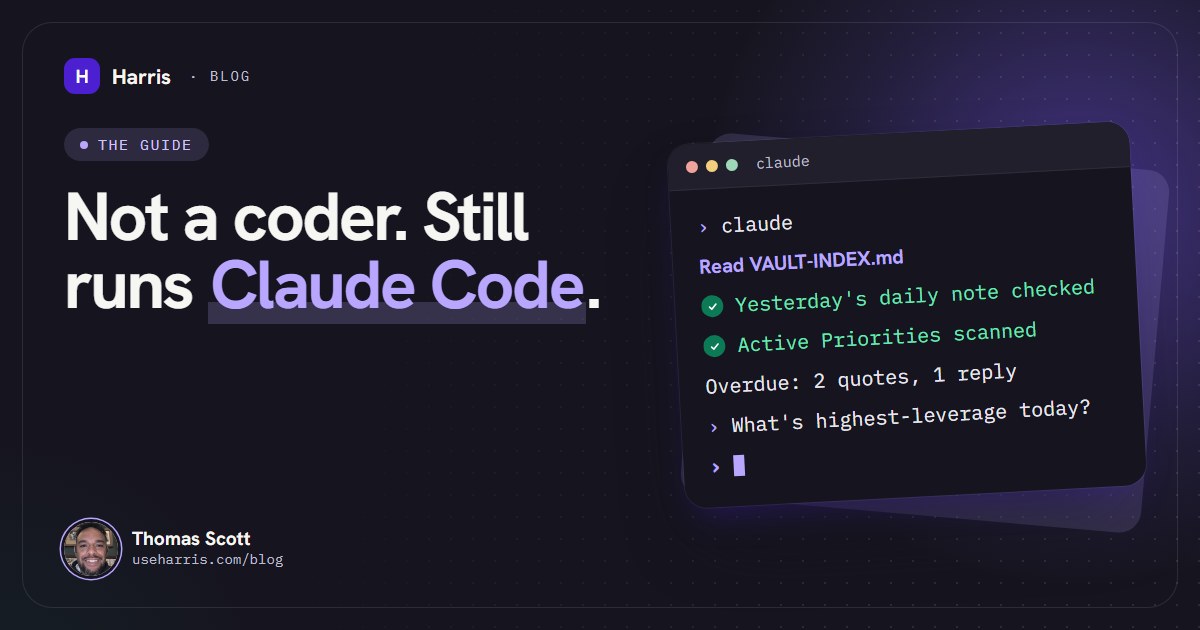
> claude
Reading CLAUDE.md (identity, rules, startup)
✓ VAULT-INDEX.md: profile and map of the vault
✓ 01 - Daily Notes: yesterday's note checked
✓ Active Priorities.md scanned
Open: 2 quotes awaiting a reply, 1 follow-up due today
Each line of that startup is in the boot file for a reason. Harris checks yesterday's daily note because a memory nobody checks goes stale, and a stale memory briefs you confidently wrong. Daily notes are append-only, with a new "Session 2" block rather than an overwrite, because I often have more than one session working on the same vault and an overwrite would wipe another session's work. The whole folder sits in its own git history, so if that discipline ever slips, the damage can be undone.
None of that is impossible in Cowork. You can point it at a folder of notes. But Claude Code is built around this pattern: the folder is its home, the instruction file is read every time without being asked, and the memory is something you own rather than something you're shown.
Cowork's memory
- Builds itself from your chats
- Shared across Claude chat and Cowork
- Can be switched off per task
- Lives on Anthropic's side; you see it through the app
Claude Code's memory
- Files you write: CLAUDE.md plus your own notes
- Read at the start of every session, every time
- Open them, fix them, back them up, version them
- Takes an afternoon to set up properly
If memory is your main frustration, my post on giving Claude a persistent memory is the detailed version.
Which one can run automations while you're away?
Both can now run on a schedule, and this is where Cowork has genuinely improved.
Cowork's scheduled tasks run in the cloud, so they fire even with your computer asleep. You choose hourly, daily, weekdays or weekly. The catch is in Anthropic's own wording: if a scheduled task needs local files or apps, it only runs locally, which means your PC has to be on.
Claude Code gives you three options, and Anthropic's scheduling comparison lays them out plainly. In-session loops stop when the session closes. Desktop tasks reach your local files but only fire while the app is open and the computer is awake. Cloud routines run with the PC off, but on a fresh copy of a code repository, with no access to your local files, and no more often than hourly.
What I actually do: the jobs that must happen at a set time run as plain scripts under Windows Task Scheduler, which Claude Code wrote and Windows runs, even when I'm logged out. On 12 October I handed Harris a written spec at half past one, and at four o'clock the first post went out on schedule by itself. By nightfall three channels were posting on their own, with 54 automated tests passing. That only works because the thing doing the work lives on my machine, with my scripts and my keys.
If your automations are "summarise my inbox every morning" or "pull this week's numbers into a doc", Cowork's cloud schedule is simpler and you don't need any of this. If they're "run my own script, post to my channels, check my local console, then write what you checked into today's note", that's Claude Code territory. I've written up the automations I run in Claude Code if you want examples.
Do Cowork and Claude Code share the same usage limits?
Yes. Anthropic says usage across claude.ai, Claude Code and the desktop app counts towards the same limit, with a session limit that resets every five hours and a weekly limit on top. Cowork runs inside the app, so it draws from the same pool, and Anthropic notes that multi-step tasks use more of it than a quick question.
So the choice isn't about cost. Cowork and Claude Code come with the same paid plans. At the time of writing, Claude's pricing page shows Pro at £18 a month in the UK (£15 a month if you pay annually), and Max from £90 a month, both including VAT. In dollars, Pro is $20 a month and Max is $100 or $200.
What changes is how fast you burn it. An operator that reads its memory at the start of every session and runs scheduled jobs all day uses far more than an occasional Cowork task. I run Harris on Max 20x today, and in early October my setup still hit the weekly limit. The full breakdown, including when the API is the better buy, is in Claude Pro vs Max for business owners.
The verdict for each kind of owner
You want help with one-off knowledge work. A report, a tidy-up of a messy folder, research before a meeting, a deck from your notes. Use Cowork. No terminal, works from your phone, and the new cloud sessions keep going after you close the laptop. Setting up Claude Code for this is an elaborate way to make a simple job harder.
You want recurring jobs that live in your SaaS tools. Inbox summaries, a weekly report from Drive, chasing a spreadsheet. Start with Cowork's scheduled tasks and connectors. Move only if you hit a wall.
You're on a Mac and nervous of terminals. Cowork. Harris itself is Windows-only for now, and I'd rather you got value this week than wrestled with a setup you don't need.
You run two or more ventures, or one with a lot of moving parts, and you're tired of re-explaining it every day. Claude Code. You want a memory you own, read at the start of every session, rules that stop the same mistake happening twice, and automations that use your own tools. That's an operating system, not a helper.
You'd choose Claude Code but the setup is what's stopping you. That's the honest barrier. The terminal steps, the folder structure and the first boot file take most owners an afternoon with someone who has done it before. It's exactly what the Harris install is for.
Can you use both?
Yes, and on any paid plan you already have both. My split is simple: Claude Code is where the business lives, so anything touching priorities, clients, the daily notes or my scripts goes there. For a quick one-off away from my desk, the Claude app is the natural place.
If you're starting today and still unsure, try this. Spend a week giving Cowork your real work. Each time you catch yourself re-explaining the business, or wishing it could run something on your own machine, write it down. If that list is short, you're done: Cowork fits. If it's long, you've just written the brief for your Claude Code setup, and the Claude for small business in the UK review is a useful next read on what else Anthropic offers firms like yours.
Questions people ask
What is the difference between Claude Cowork and Claude Code?
Cowork is the agent built into the Claude app: you describe a task, it works through it in Anthropic's cloud and can reach folders you connect through the desktop app. Claude Code is an agent that runs on your own computer, from a terminal or the desktop app's Code tab, and works directly with your files, tools and scripts.
Is Claude Cowork available on Windows?
Yes. At the time of writing (October 2026) Anthropic lists the Claude desktop app for Windows on all paid plans, and Cowork needs the latest version of it. It isn't available on the free plan.
Do Cowork and Claude Code share the same usage limits?
Yes. Anthropic says usage across claude.ai, the desktop app and Claude Code counts towards the same limits, so a long Cowork task and a long Claude Code session draw from one allowance.
Can I use both Cowork and Claude Code?
Yes, on any paid plan, and many owners should. Use Cowork for quick one-off jobs from any device, and Claude Code for the work that depends on your business's memory and your own tools.