The install
What Happens After You Book Harris: Your AI Setup, Step by Step
You know you need AI. What nobody tells you is what happens between saying yes and it actually working. Here's every step of a Harris install, what you click, what it costs and what you pay other people.

Contents
The short answer
A Harris setup has four steps: a free 30-minute call to check it fits, one install session on a video call at your own PC, about six questions so it learns your business, then 30 days of help. You need a Windows PC and a paid Claude plan. You don't need to code or prepare anything first.
The question I get most about Harris isn't "what can it do?" It's "what actually happens after I say yes?"
That's the right question. If you've never set up AI properly, the frightening part isn't the price. It's the gap between paying and it working: a black window full of text, a login you don't recognise, and nobody to ask. Most people who stall on AI stall right there.
So here's the whole journey, in order, with nothing skipped. I've run my own businesses with Harris since 16 August 2026, and I built the step-by-step portal every buyer goes through. If you want the longer background on the app underneath it, my guide to Claude Code for business owners covers that. This post is just the steps.
What do I need before the call?
Nothing ready. On the first call I check what you've got and tell you what's missing. For the record, here's the list:
- A Windows 10 or 11 PC, left on when you want Harris working. There's no Mac version yet.
- A paid Claude plan. Claude is the AI made by a company called Anthropic, the same kind of thing as ChatGPT. Harris runs on it, on your own account. At the time of writing (November 2026), Pro is $20 a month billed monthly, and heavy daily use usually needs Max at $100. My comparison of Claude Pro and Max for business owners goes into which one you need.
- Optional, for a speaking voice: ElevenLabs Starter, about $6 a month.
- Optional, for Harris on your phone: your own web domain, about £10 a year.
You don't need a GitHub account, any coding, or a weekend to "learn AI".
Step 1: the 30-minute fit call
This is a Google Meet with me. I ask what your business is, what's on your plate, and the one job you keep putting off. Then you get a straight answer.
If it's not a fit, I tell you on the call, before you pay anything. And if a £20 Zapier flow would do the job, I'll say so, and you won't pay me. That happens. Plenty of problems don't need an AI operator; they need one small automation.
If it is a fit, you get the bill, and the install is booked once it's paid. You can book the fit call here.
Step 2: the install session, and what you click
The install happens on a video call, at your own PC. I'm there for every step. You click where I point.
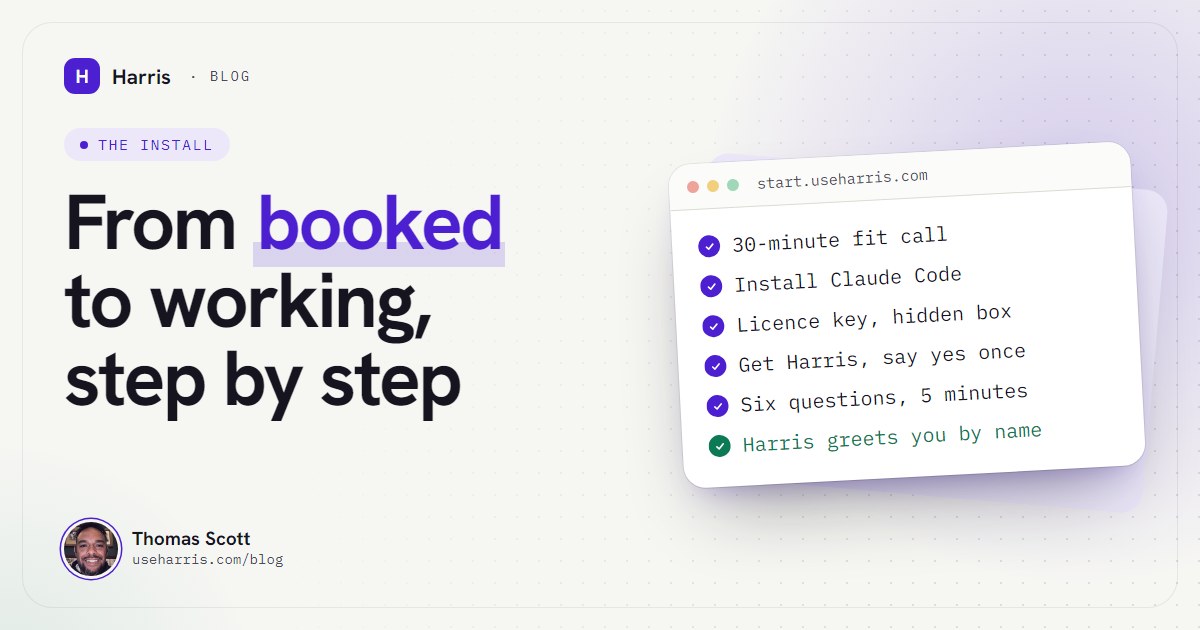
You also get a private onboarding portal at start.useharris.com. It shows one step at a time, has a short film for each one (30 films in all, with captions and a transcript underneath), and remembers where you got to. The portal steps take about 30 minutes. Here's what they are:
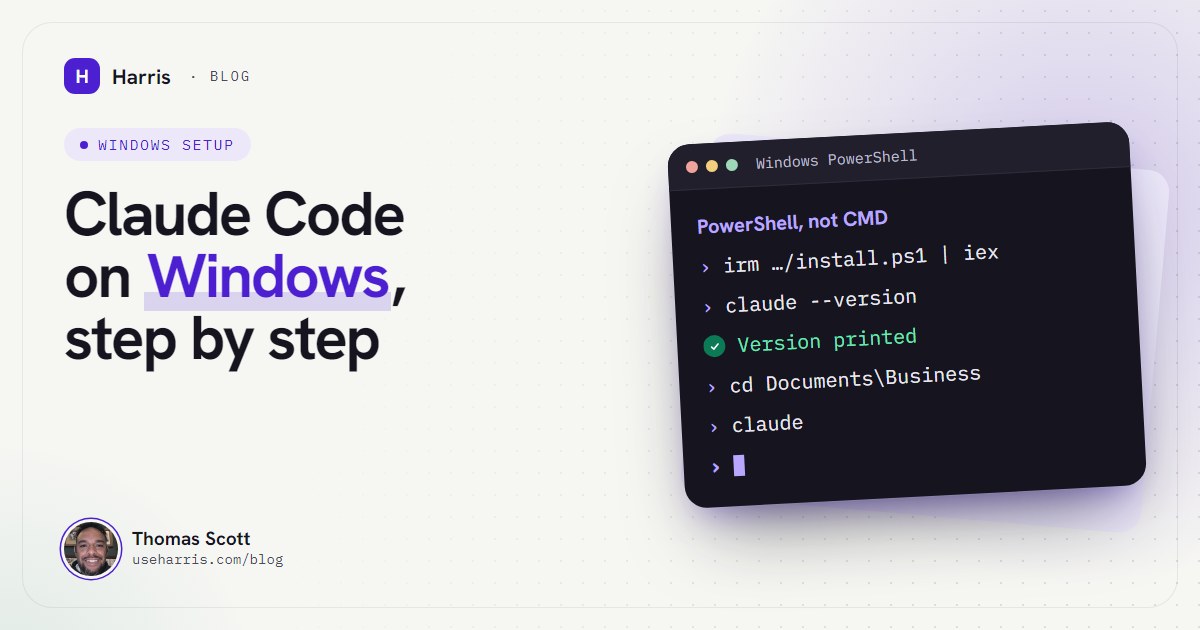
- Install Claude Code. That's Anthropic's app that Harris runs inside. You install it yourself, from Anthropic's own page, and sign in once with your Claude account. That's deliberate: the app that runs Harris comes straight from Anthropic, installed by you, never by us.
- Your licence key. We send it to you privately. Treat it like a password: never post it and never paste it into a chat. Harris asks for it once, in a hidden box, and keeps it in Windows' own password store.
- Download "Get Harris" and double-click it. Windows may show a blue box saying "Windows protected your PC". That's normal for a file that isn't from the Microsoft Store: click "More info", then "Run anyway". It downloads Harris, checks the download is signed by us, and refuses to carry on if it isn't.
- Say yes once. One short screen lists what Harris can read, what it can change, what it connects to, what runs in the background and whether anything can spend money. Read it, press Enter, and you never do that again.
In the same session we load your business in (your offers, priorities and the rules you keep repeating), connect two of the tools you already use, and build the one job you've been putting off.
If you'd rather see the films before you book, the portal's front page shows a preview of them.
Step 3: the six questions
When the installer finishes, Claude Code opens by itself. The first time, Claude's sign-in page opens in your browser. Then Harris asks six questions, one at a time. It takes about five minutes:
- What should I call you?
- Your business, in a sentence, or just your website.
- The one number you want to move.
- What's on your plate right now.
- One thing it must never do.
- The one thing you've been wishing an agent could do for you.
You can say "skip" to any of them, and nothing is saved until you've seen it and said yes.
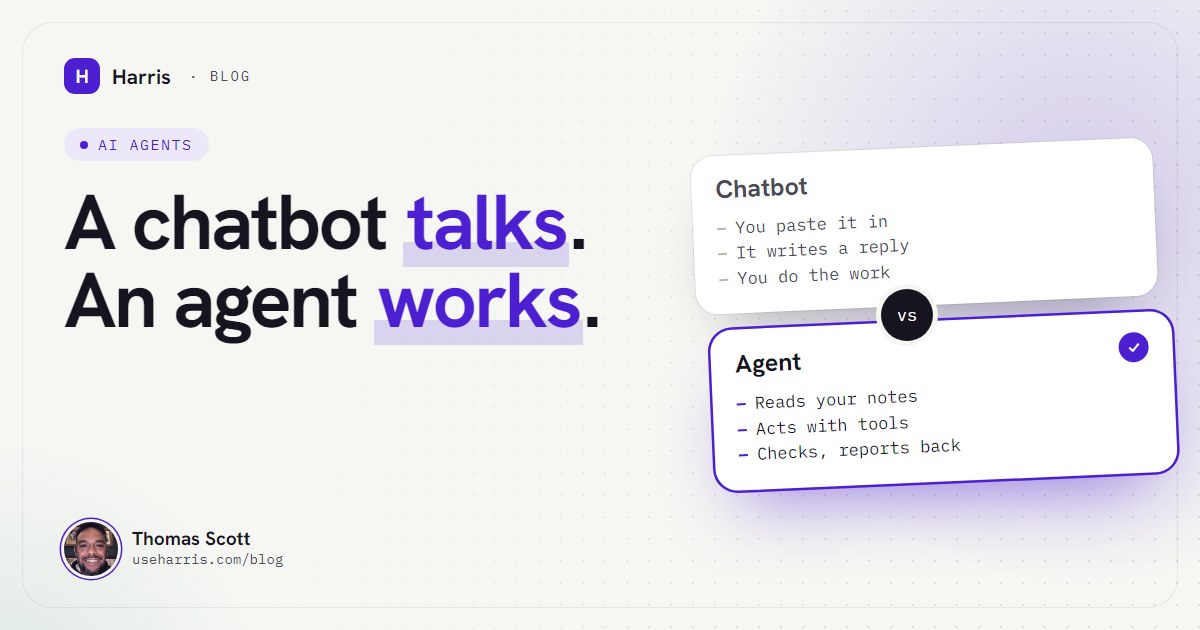
Then Harris greets you by name, with your priorities. Before you give it a single job, it explains itself: it lives on your PC, its memory is a folder of notes you can read line by line, it asks before anything with a real-world effect, and it tells you plainly what it can't do. If the word "agent" still feels vague, I wrote a plain answer to what an AI agent is.
Next it asks about eight open questions to get to know you, such as "Walk me through a normal Monday" and "When should I push back on you?". Your answers go into an "About me" note that it reads every session.
Here's the tour of what it can grow into once it's set up:
The next morning
A "Harris" shortcut sits on your desktop and opens the console. You ask, "What should I focus on today?", and it answers from your own notes. It doesn't start from zero, and you don't explain the business again.
That's the feeling the whole install is for: you sit down, and the list is already there. Your follow-ups, what's overdue, what you decided last week. When it drafts a reply, nothing goes out until you say so.
In the first week it asks you one more question a day, so it gets sharper without you sitting through a long interview.
What happens in the first 30 days?
You get 30 days of help after the install. If something breaks in those 30 days, I fix it with you on a call within 48 hours. Something will break, because it always does. Every failure becomes a written rule that Harris starts from the next morning. We call it the Scar Rule, and the rules never lapse.
When you're ready, you add extras with the same installer. None of them are needed on day one:
- Voice: hold a key, talk, and hear it answer out loud.
- Phone and meetings: Harris on your phone, and meetings that file themselves.
- Calendar and important email, read-only.
- A weekly review every Monday at 7am. It only recommends: it never changes, posts or deletes anything.
- The Skills pack, included with your install: 29 reviewed skills, and nothing installs without your yes.
Stuck at any step? Reply to the email your licence key came in and say which step you're on.
What does it cost, including what I pay other people?
Here it is in one place, so there are no surprises:
- The install: £2,500, done with you on a call.
- The care plan, optional, after the 30 days: £400 a month for updates, one new module or automation a month and a monthly call with me. No contract. Stop any month.
- Paid to Anthropic, not us: your Claude plan, as above.
- Optional, paid to others: ElevenLabs for the voice, and a domain for the phone.
There's no per-seat fee, and Harris runs on your flat monthly Claude plan, not a metered one. Keep Claude's extra usage switched off and it stops at your plan's limit instead of running up a bill. I'll check that setting with you on the call.
If you stop the care plan, updates stop. Everything already on your PC keeps working, and your notes stay yours.
One honest limit while we're on money: your notes stay on your PC, not on a server of ours, but the work runs on Claude, so it goes to Anthropic, as it does when you use Claude now. And Harris isn't a sandbox. Don't run it on a shared or borrowed machine.
What if Harris is not right for me?
Then you find out on the first call, before you pay anything. Harris isn't for you if you're on a Mac, if you want an app that works with no set-up at all, or if you're a team or a company (for enterprises, there's Sprea). It's built for one owner on one PC.
And if the whole install feels like more than you want to take on right now, that's fine too. Not ready for the whole thing? Start with one job. One piece of AI, done for you, so you can see it work in your own business first.
If you've read this far, you know more about what happens after you pay than most people know about anything they've bought online. That was the point. Book the 30-minute call and ask me whatever this didn't answer.
Questions people ask
Do I need to be technical to set up Harris?
No. There's no coding and no GitHub account. You click where you're shown on a video call, and every step has a short film with captions and a transcript.
How long does the setup take?
A 30-minute fit call first, then one install session on a video call. The portal steps themselves take about 30 minutes, and the six questions about five.
Does Harris work on a Mac?
Not yet. Harris needs a Windows 10 or 11 PC today.
What happens if I stop the care plan?
Updates stop. Everything already on your PC keeps working, and your notes stay yours.