Memory
How to Give Claude Persistent Memory for Your Business
Claude Code's built-in memory was designed for code projects. Here's how I extended it into a memory for four businesses, and the habit that stops it briefing you confidently wrong.

Contents
- Does Claude Code have memory between sessions?
- What's the difference between CLAUDE.md and auto memory?
- Why one file isn't enough for a business
- How do I give Claude persistent memory for my business?
- The failure nobody warns you about: memory that's confidently wrong
- How do I stop Claude's memory going out of date?
- What persistent memory still can't do
The short answer
Give Claude persistent memory by keeping it in files. Claude Code loads a CLAUDE.md file and its own auto memory at the start of every session. For a business, add a folder of plain notes with a map at the root, point CLAUDE.md at it, and make the agent write every change back before the session ends.
You explained your business to Claude on Monday. The clients, the pricing logic, the supplier who always runs late, the quote you're waiting on. On Tuesday you open a new session and it greets you like a stranger. So you explain it all again, a bit shorter this time, and the answers get a bit worse.
I ran into this in my first week. I'm Thomas Scott; I run four small businesses from one Windows PC with Harris, my AI operator, which is Claude Code plus a folder of plain notes. Since 16 August 2026 it has started every session knowing what's open across all four, and this post is how. If you're new to the tool itself, start with Claude Code for business owners, the full guide.
The short version: Claude doesn't have a memory you switch on. It has files it reads. Get the files right, and the habit of keeping them right, and it remembers.
Does Claude Code have memory between sessions?
Not in the way people expect. Anthropic's documentation is plain about it: "Each Claude Code session begins with a fresh context window." The context window is the conversation's working memory, everything Claude can see at once. When the session ends, it's gone.
Two things survive, both as files (How Claude remembers your project):
- CLAUDE.md files. Instructions you write. Claude Code loads the ones in the folder you start it from (and the folders above it), plus a personal one in your user folder.
- Auto memory. Notes Claude writes for itself as you correct it. Each project gets a memory folder with an index file called
MEMORY.mdand one small file per lesson.
Both load at the start of every session. That's the whole mechanism. Everything else in this post is about using it properly for a business, which is a different job from the one it was designed for. Most of the guides you'll find describe memory for a code project: which test command to run, which style to follow. A business needs to remember clients, decisions, promises and what's overdue, and that changes every day.
If you're using the Claude chat app rather than Claude Code, it has its own memory: it saves topics from your chats, and you can view and edit them under Settings, Memory (Claude Help Centre). It's useful for preferences. It isn't a filing system you can structure, version or audit, which is why I don't rely on it for the business. Why Claude forgets everything covers the chat side in full.
What's the difference between CLAUDE.md and auto memory?
| CLAUDE.md | Auto memory | |
|---|---|---|
| Who writes it | You (or Claude, when you ask) | Claude, as it learns |
| What goes in it | Identity, rules, startup routine, where things live | Lessons and corrections, one per file |
| How much loads | The whole file, every session | First 200 lines or 25KB of the index |
| Best for | Things that must never be forgotten | Things learned along the way |
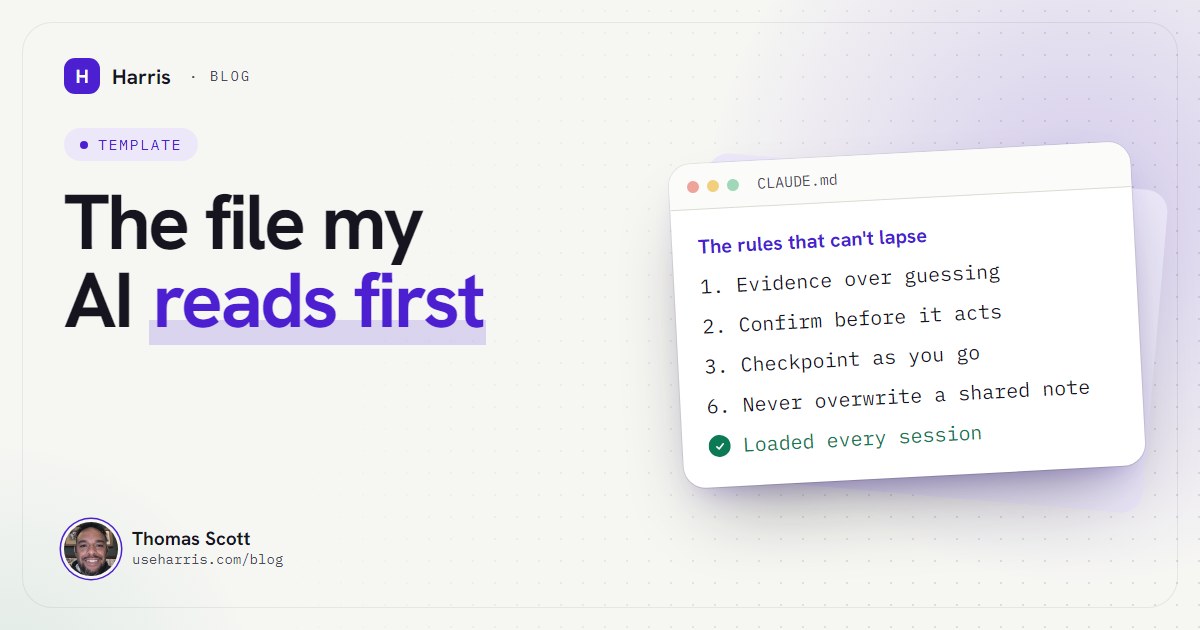
In my setup they do different jobs. CLAUDE.md is the boot file: who Harris is, where the notes live, the three-step startup routine and the rules that can't lapse. It's 95 lines. Anthropic suggests keeping each one under 200 lines, because longer files cost more context and get followed less consistently, and that matches my experience.
Auto memory is the scar tissue. My index is one line per lesson with a link to the detail: "kill only your own processes", "watch the whole mailbox", "open scripts in an editor, never with a command that runs them". Each one is a short story about a mistake. Claude reads the index every session and opens the detail when it's relevant.
One more thing worth knowing: the project's main CLAUDE.md is re-read from disk after Claude compacts a long conversation, so its rules survive. Things you only said in the chat don't. That's why every rule I care about lives in the file, not in a message I sent last Tuesday.
Why one file isn't enough for a business
A boot file can tell Claude how to behave. It can't hold forty clients, three supplier disputes, last month's decisions and this week's quotes. Cram that into CLAUDE.md and you hit the size guidance quickly, and everything loads every session whether it's needed or not.
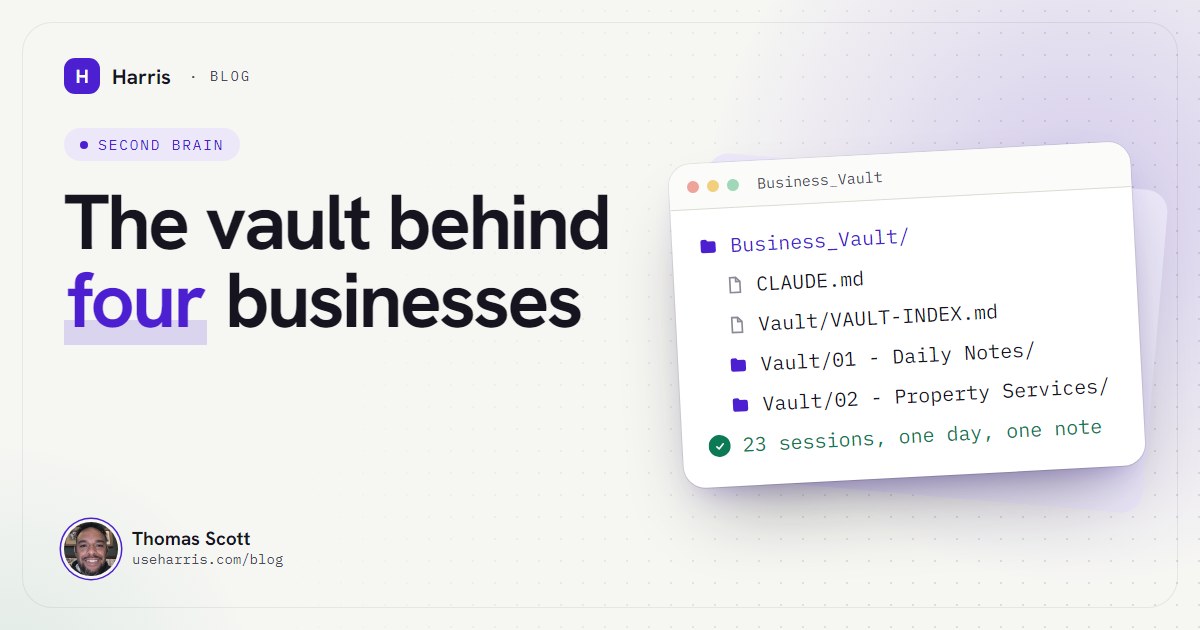
So the boot file points at a vault: a folder of plain Markdown notes. Obsidian stores notes exactly like this, as plain text files in a folder on your own computer (Obsidian help), which is why it pairs well with Claude Code. Claude reads the files directly; Obsidian is just a pleasant way for me to read them too. The structure is in Obsidian and Claude Code as a business brain, but the principle is simple: hold only the current job in working memory and load the rest on demand.
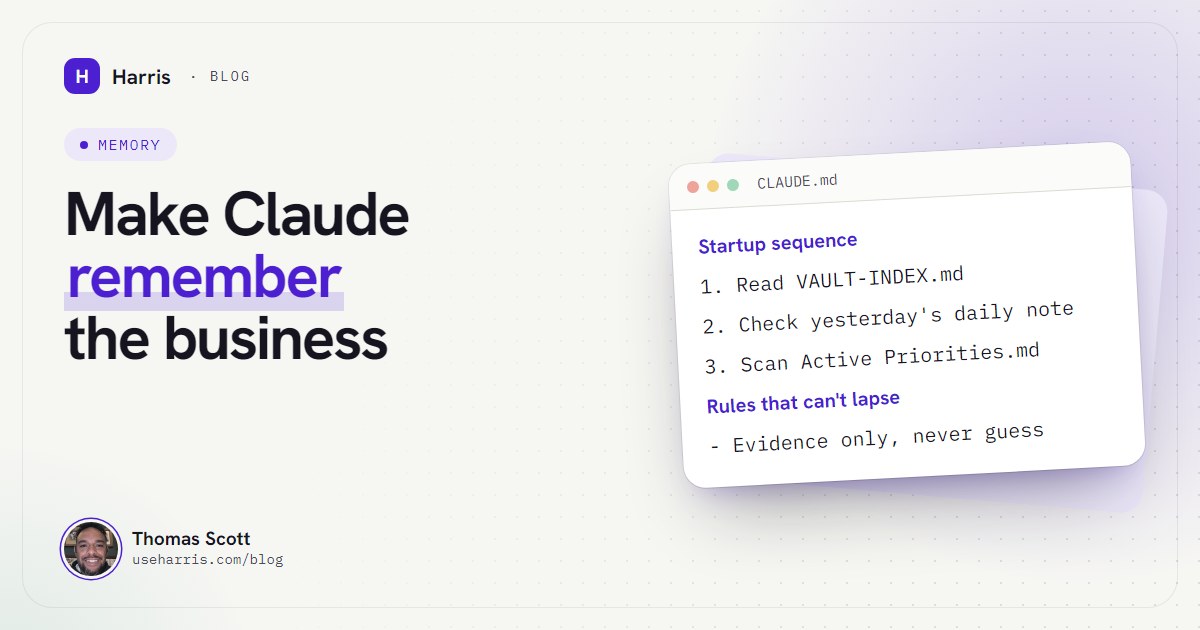
My vault has a map at the root (VAULT-INDEX.md), a folder per business, an index note in each folder named after the folder, a single priorities note that's the one source of truth for what's open, and a daily note for every working day. The boot file tells Harris to read the map, check yesterday's daily note and scan the priorities at the start of every session. That's about three files, not three hundred.
How do I give Claude persistent memory for my business?
Here's the setup, in the order I'd build it.
- Make one folder for the vault. Put a map file at the root that lists every folder and key note with a one-line description of what's in it.
- One note per client, project or business. Each folder gets an index note named after the folder, listing its notes. Claude finds things by following the map, then the index.
- A single priorities note. What's open, across everything, with dates. If it's not in here, it isn't a priority.
- Daily notes. One file per day, in monthly folders, built from a template. Each session appends its own block. Never edited after the day ends.
- A short CLAUDE.md one folder above the vault. Identity, the startup routine, the rules. Start Claude Code from that folder every time.
- The checkpoint rule. The line in CLAUDE.md that makes all of this work. More on it below.
Here's the startup part of my boot file, trimmed. It's the most important ten lines in the setup.
## Startup sequence 1. Read VAULT-INDEX.md at the vault root: profile, rules, map. 2. Check yesterday's daily note; backfill if you have context it's missing. 3. Scan Active Priorities.md for what's open, so nothing queued slips.Re-read VAULT-INDEX.md after any context compaction. This file survives compaction. That one may not.
If you want the whole boot file structure to start from, there's a trimmed version in the CLAUDE.md template for business owners.
The failure nobody warns you about: memory that's confidently wrong
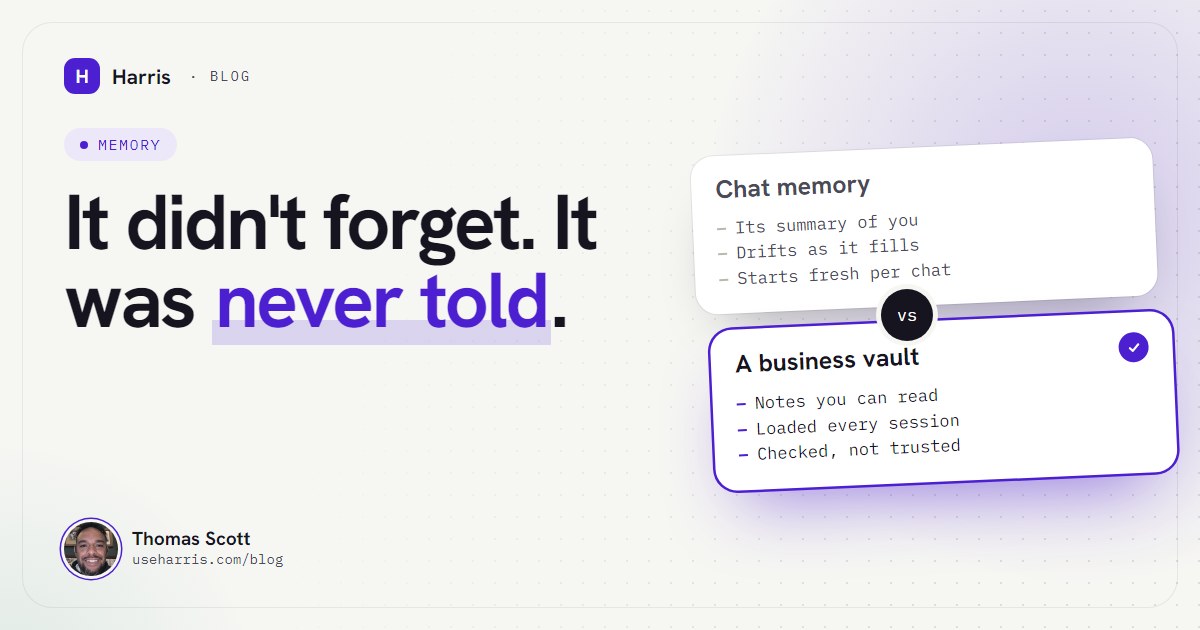
Getting Claude to remember is the easy half. The hard half is that a memory which isn't maintained doesn't go blank. It goes stale, and a stale memory briefs you with total confidence.
I've had this happen in three ways, each of which is now a rule.
Trusting yesterday's note. On day three, Harris reported the state of something from the previous day's notes. The notes were wrong; the live system had moved on. The rule since: evidence only. Check the actual file, tool output or live system before claiming anything is done or current. The notes say where to look; they don't replace looking.
A map describing the past. A project gets superseded, a build ships, a folder outgrows its one-line description, and the map still says what it used to be. A fresh session trusts the map, because that's its job. So the boot file now says that a map line describing what a project was is as stale as a missing folder, and the map gets checked at every checkpoint, not just when a folder appears.
Watching the wrong scope. A mailbox watch reported "all quiet" four times in a row while five messages sat unanswered. It had been told to watch one email thread rather than every message from that sender. Nothing was forgotten; the memory of what to watch was simply too narrow. Now watches search the whole mailbox.
None of these are Claude being stupid. They're a filing system without a filing discipline.
How do I stop Claude's memory going out of date?
The answer is a rule, written into CLAUDE.md, that the agent follows without being asked. Mine is called checkpoint persistence:
NoteAnything a future session would need to know gets written down in the same pass: the relevant note, today's daily note, and the map if the change makes any line of it wrong. A daily-note entry alone is never the documentation.
A daily note on its own records that something happened. The project note records what's now true. You need both: one is the diary, the other is the file. Here's what a session block in a daily note looks like, with details changed.
## Session 3 Focus: chase open quotes; tidy the priorities note.What happened ✓ Inbox checked 11:40: no reply to either quote. ✓ Chase drafted; sent after Thomas's yes.
Checkpointed elsewhere
- Client note: quote status and chase date.
- Active Priorities: Top three re-dated.
Open loop for next session Check for a reply after 2pm Friday.
Four more habits keep it healthy:
- Date everything you check. "No reply (checked 16 Oct 11:40)" ages honestly. "No reply" doesn't.
- Append, never overwrite. More than one session can be writing to the vault at once. Early on, one session overwrote a note another was halfway through. Now sessions append their own block, re-read before every edit, and the whole vault is under version control, so any overwrite is recoverable.
- Consolidate, don't accrete. Update the existing note before creating a new one, and delete what you replaced. Two notes that disagree are worse than one.
- Re-read the map after compaction. In a long session Claude summarises older context to make room. The boot file survives that; the map doesn't, so the rule says to read it again.
What persistent memory still can't do
Honest limits, so you're not surprised:
- It's local. Claude Code's auto memory lives on your machine and isn't shared across computers (memory docs). My vault is too, with an encrypted off-PC backup each night.
- It costs context. Every line in
CLAUDE.mdloads every session. Keep it tight and let the map do the rest. - It doesn't judge relevance for you. If you never write down that a client prefers phone calls, no amount of memory architecture will know it.
- It's only as true as the last checkpoint. That's the reason the evidence rule exists.
Set up like this, the effect is cumulative. Every correction lands in a file, every file loads when it's needed, and two months in the agent knows the business better than any single conversation could. I talk through the rules this produced, and what broke on the way, here:
If you'd rather build the vault yourself first, the folder structure and index rules are in the Obsidian business brain guide, and the wider system is in the Claude Code guide for business owners.
Questions people ask
Does Claude Code remember anything between sessions?
Only what's written to files. Each session starts with a fresh context window, then loads your CLAUDE.md files and the first part of its auto memory index. Anything not in those files, or in notes they point to, is gone.
What is the difference between CLAUDE.md and auto memory?
You write CLAUDE.md: instructions, rules and pointers that load in full every session. Claude writes auto memory itself, from your corrections and preferences, and only the first 200 lines or 25KB of its index load at startup.
How do I stop Claude's memory going out of date?
Make writing back part of the job. Whenever something changes, the agent updates the relevant note, the day's log and the map in the same pass, and it checks live sources before trusting a note about them.
Can Claude remember my clients and projects across chats?
Yes, if each client and project has a note it can find. Keep one note per client or project, list them in a folder index, and tell Claude in CLAUDE.md to read the map at startup and open the right note when a job needs it.