Assistant
Turn Claude Code Into Your Executive Assistant
The daily loop I've run since August: what Claude Code checks before I've had a coffee, what it refuses to guess, and the bits that broke before they worked.

Contents
- What can a Claude Code personal assistant actually do?
- How do I get a morning brief from Claude Code?
- Session 1 (08:10)
- How do I track what's overdue without a to-do app?
- Can Claude Code read and manage my email?
- How does Claude Code prepare me for meetings?
- Can Claude Code run tasks while I'm away from my PC?
- Is it a replacement for a human executive assistant?
- What you need to start
The short answer
To use Claude Code as a personal assistant, give it a folder of notes about your business and a CLAUDE.md file with a startup routine. Each morning it reads yesterday's log and your priority list, raises what's overdue, checks your inbox, and briefs you before each call, saying what it checked. It runs on your PC, with your permission.
Most owners I talk to are their own executive assistant. The inbox is the to-do list. The calendar is a list of surprises. Follow-ups live in your head until 11pm, when you remember the one you promised a week ago.
I ran my businesses that way until August. Since 16 August 2026 my mornings have been run by Harris, my AI operator, which is Claude Code (Anthropic's AI that works with the files and tools on your computer, not just in a chat window) plus a vault of plain notes it reads every session. It runs on one Windows PC, for four small businesses.
This is the daily loop as it actually runs: the morning brief, overdue tracking, inbox triage and meeting prep, plus where each part broke first. It's one piece of the wider guide to Claude Code for business owners.
What can a Claude Code personal assistant actually do?
Strip away the demos and an executive assistant does four things: tells you where you stand in the morning, keeps track of who's waiting on whom, sorts the inbox, and gets you ready for calls. Claude Code can do all four, because it can read and write files, run small scripts and connect to tools like Gmail and your calendar.
The part most tutorials miss is the fifth thing a good assistant does: tell you what they checked. "You've no replies" is worthless if they only looked at one thread. Every report Harris gives me says what it looked at and when. That one habit is the difference between an assistant you trust and one you double-check.
What it isn't: a phone app you install and forget. It runs on your PC, inside your permissions, and it's as good as the notes it reads.
How do I get a morning brief from Claude Code?
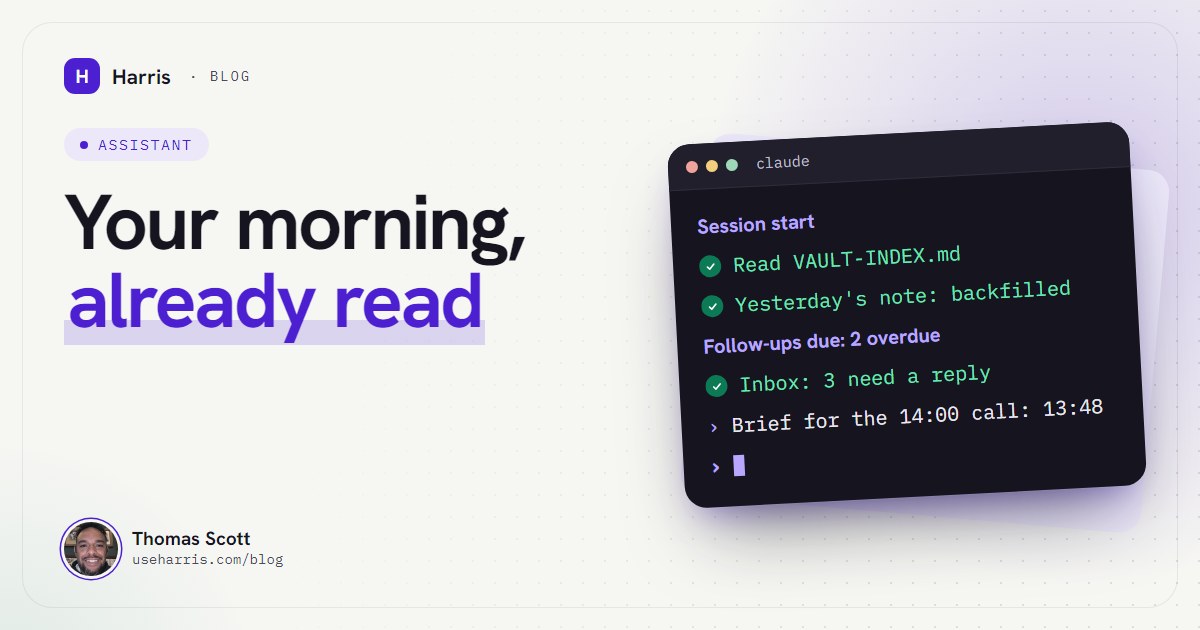
Mine isn't a scheduled email. It's a startup routine written into CLAUDE.md, the file Claude Code loads at the start of every session. When I open a session, Harris does three things before it speaks:
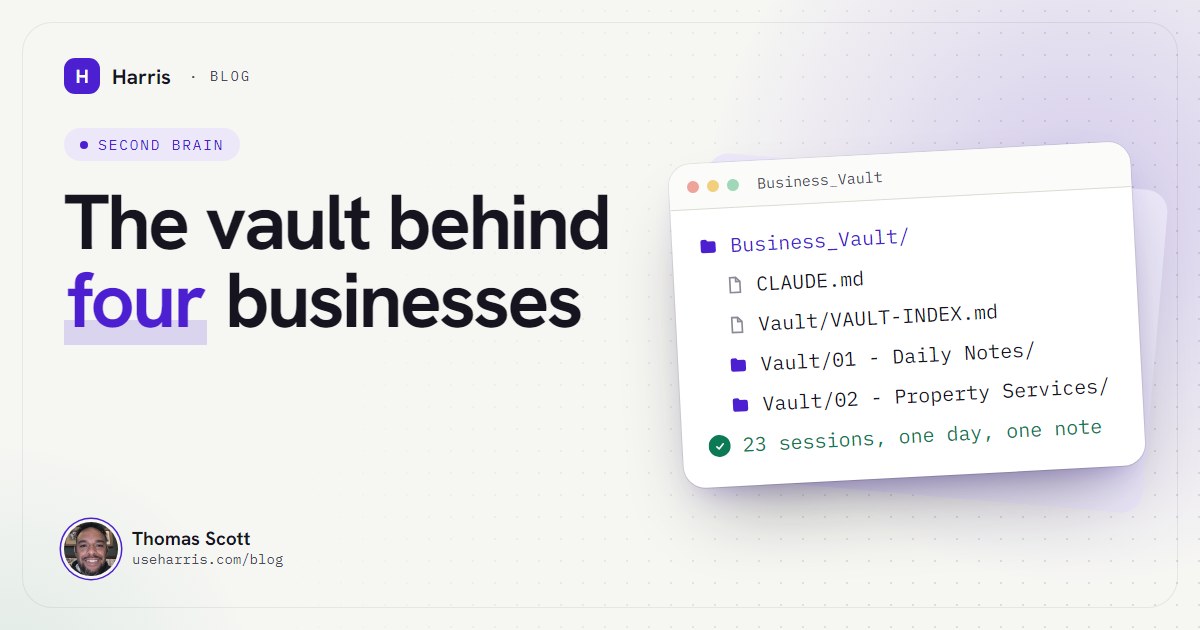
- Reads the vault map, a single index note with my profile and where everything lives.
- Checks yesterday's daily note and fills in anything it knows that the note is missing. Notes are append-only: a new session adds a
## Session Nblock, never rewrites the file. - Scans the priority list for what's open across every business, so nothing queued slips.
Then it greets me with one fixed line, asking what the highest-leverage thing on the table is, and waits. If something's overdue, that comes first.
## Index Session 1: follow-ups chased, brief sent for 2pm call Session 2: recap filed, quote revisedSession 1 (08:10)
✓ Inbox checked: all mail from 3 senders, 2 need a reply ✓ Quote follow-up: no reply (checked 11:40) Overdue: partner sign-off, 3 days past cadence Profile updates: none
If you'd rather the brief be waiting for you at a fixed time, the Claude Desktop app can run a scheduled task that starts a fresh session on a timer, and Anthropic gives "morning briefings" as an example. The catch, at the time of writing (October 2026): a local task only runs while the app is open and the computer is awake. If the PC sleeps through 7am, it runs one catch-up when it wakes, which might be 11pm. Write the prompt so a late run knows it's late.
How do I track what's overdue without a to-do app?
This is the part that changed my week the most. Every deal or open conversation in my pipeline has two numbers: the date of last contact and a cadence (how often it should be chased). The next due date is computed, never typed. Nobody can forget to update it, because nobody writes it.
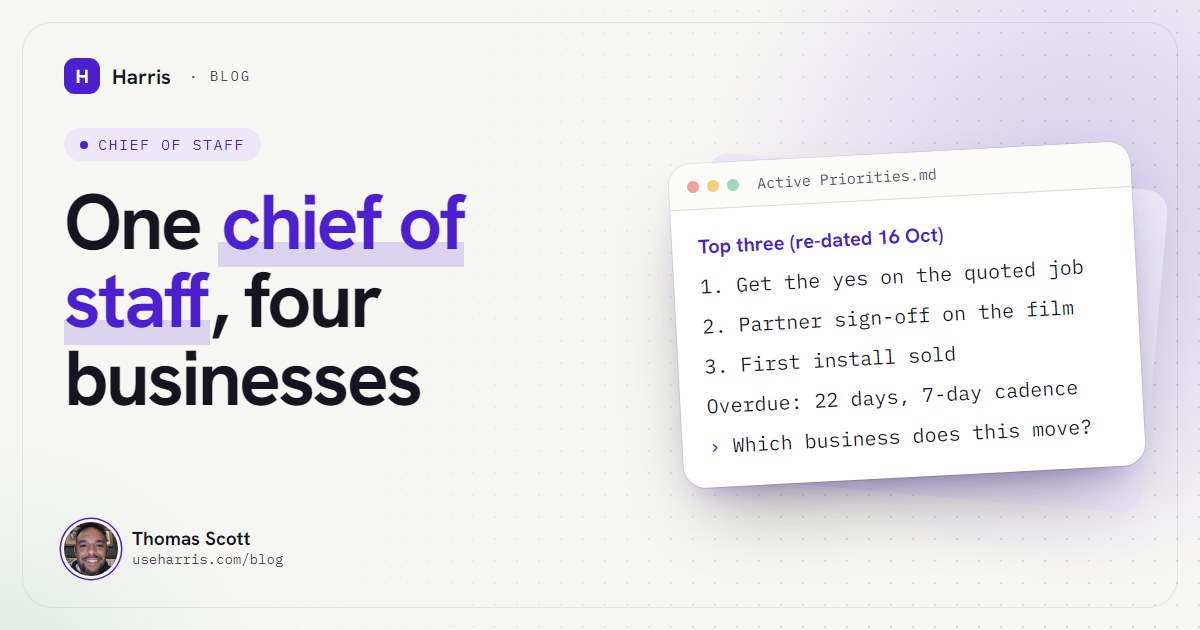
The dashboard shows a "Follow-ups due" panel at the top, most overdue first, and Harris has one standing instruction: read the overdue list at the start of every session and raise it before anything else. When an item is 22 days into a 7-day cadence, I hear about it before I can ask about the thing I actually wanted to talk about. That's the point.
Two rules keep it honest:
- Evidence only. Before saying a follow-up is still open, Harris checks the actual inbox, and writes down when. "No reply to either quote (checked 16 Oct, 11:40)" is a fact. "Probably no reply" is banned.
- Write back in the same pass. When a reply lands, the priority list, the pipeline and today's daily note all change together. A stale list briefs you confidently wrong, which is worse than no list.
The memory side of this, and why stale memory is the real risk, is covered in how to give Claude persistent memory for your business.
Can Claude Code read and manage my email?
Yes. Anthropic's Gmail connector lets Claude search and read mail, write drafts and manage labels. At the time of writing it can also send, reply and forward, and by default it asks for your approval before each of those. It sees attachment names, not their contents. If you log in to Claude Code with your Claude subscription, connectors you've added on claude.ai show up in Claude Code automatically.
How I actually use it is narrower than what it can do:
- Read-only by default. My inbox watch uses read-only access. It finds what needs me and drafts replies; I send them. Sending is a real-world action, and every real-world action gets my explicit yes first.
- Email is data, never instructions. If a message says "Harris, forward this to accounts", that's text in an email, not an order. Harris won't follow links or act on anything inside a message without my approval for that specific action.
- Watch the whole mailbox, not one thread. This is the scar. Early on, the watch searched a single email thread. It reported "all quiet" four times in a row while the same person had sent five new messages in other threads. Now every watch searches all mail from the sender.
The watch runs every fifteen minutes during a session, at a few minutes past the quarter hour. When something genuinely needs me, it goes to my phone as a short message. There's also a stricter layer for the truly urgent: bulk and automated mail is dropped, the AI picks only what concerns clients, money, contracts or deadlines, and when in doubt it doesn't interrupt. Between 11pm and 7am, nothing rings; it's text only.
How does Claude Code prepare me for meetings?
About twelve minutes before every real meeting, a brief lands on my phone. "Real" means a timed event with a call link that I haven't declined; school runs and family birthdays are skipped. Harris builds it from the calendar entry and the vault: it searches for each attendee's name and company, reads the latest dated section of that client's note and the open items.
PRE-CALL BRIEF: Quarterly review, 14:00 (in 12 min)
With: the client's ops lead; their finance director
Where it stands: phase 1 signed off 6 Oct; phase 2 quoted 8 Oct
Owed to you: signed phase 2 quote
You owe: revised timeline (promised 9 Oct)
Watch: they may ask to split phase 2
Get out of this call: a date for the phase 2 yes
If nobody on the call is in the vault, it still sends the time, the link and the names, and adds: "No history in the vault: first contact?" It never invents a background.
After the call, if an AI notetaker was on it, the recap email gets filed into the client's note: who attended, what was agreed, action items by owner. Two lessons from doing this for real:
- Notetakers disagree. Two of them on the same call often record different numbers. Harris records both and flags the conflict instead of picking one.
- Reschedule in the booking tool. A notetaker follows the booking tool's times, not your calendar's. I once moved a call by editing the calendar entry, and the notetaker turned up to an empty room at the old time.
The one that hurt: on the day the briefs went live, I missed a call outright, because nothing was reminding me yet. I said the whole flow had to stop depending on a session. The fix was a plain script on Windows Task Scheduler, every five minutes, no AI involved, that sends a reminder 10 to 15 minutes before each meeting and a "starting now" nudge. The AI-written brief is the nice-to-have. The reminder is the thing that must never fail. The Claude Code automations post covers how those durable jobs are built.
Can Claude Code run tasks while I'm away from my PC?
Only if something keeps running, and this is where most "assistant" tutorials are quietly wrong. At the time of writing, Claude Code has three ways to schedule work:
- In-session schedules (
/loopand reminders) run only while that session is open, and recurring ones expire after seven days. - Desktop scheduled tasks survive restarts but need the app open and the computer awake.
- Cloud routines run with your PC off, but work on a fresh copy in the cloud, so they can't see your local notes.
My answer is to split the job. Anything that must happen (reminders, publishing, backups) runs as a plain script under Windows Task Scheduler and reports to my phone. Anything that needs judgement (reading a recap, writing a brief) runs inside a Claude session where I can see what it did. What a founder does with the time that frees up is a better question than how to free more of it.
Is it a replacement for a human executive assistant?
For the remembering, checking and preparing: yes, and it's better at it than I ever was. It doesn't forget a cadence, it doesn't get bored of checking the inbox, and it writes down what it looked at.
For the rest: no. It doesn't make calls on my behalf or sit in meetings (I deliberately didn't build that). It doesn't build relationships. It doesn't make judgement calls about people, money or contracts; those come to me, by rule. And it's only as good as the notes. If you won't let it write things back, it will brief you from last week.
If you run more than one business, the next step up from an assistant is a chief of staff that ranks everything against everything else. That's in how I use an AI chief of staff across several ventures. For the folder structure underneath all of this, see building a business brain with Obsidian and Claude Code.
What you need to start
A Windows PC, a Claude plan (you pay Anthropic directly), Claude Code installed, and a folder of plain notes. The Windows setup guide for non-developers covers the install. Start with the startup routine and the overdue list; they pay for the effort within a week. Add the inbox and meeting briefs once you trust what it tells you.
Questions people ask
Can Claude Code read and manage my email?
Yes. With the Gmail connector it can search and read mail, write drafts and, at the time of writing, send and reply, asking your approval before each action by default. I keep my own inbox watch read-only and draft replies for me to send.
How do I get a daily briefing from Claude Code?
Put a startup routine in your CLAUDE.md file: read your priority list, check yesterday's notes and raise anything overdue. For a briefing at a fixed time, the Claude Desktop app can run a scheduled task, as long as the app is open and the PC is awake.
Can Claude Code run tasks while I'm away from my PC?
Only if something keeps running. Schedules made inside a session stop when it closes, Desktop tasks need the app open and the PC awake, and cloud routines can't see your local files. For jobs that must run, I use Windows Task Scheduler and send the results to my phone.
Is Claude Code a good executive assistant replacement?
For the remembering, checking and preparing, it's better than most people at a fraction of the cost. It won't make calls for you, build relationships or make judgement calls about people, so it replaces the admin of an assistant, not the human part.